

● HEALTHCARE
Enterprise Messaging for Healthcare
Secure SMS and RCS messaging trusted by healthcare organisations, NHS suppliers and leading clinical software providers across the UK. Supporting GP practices, NHS Trusts, Integrated Care Boards, private healthcare providers and digital health platforms with enterprise messaging designed for reliability, security and patient engagement.
How QuickSMS supports NHS communications.
-
![]()
Cut no-shows by around a third with branded reminders
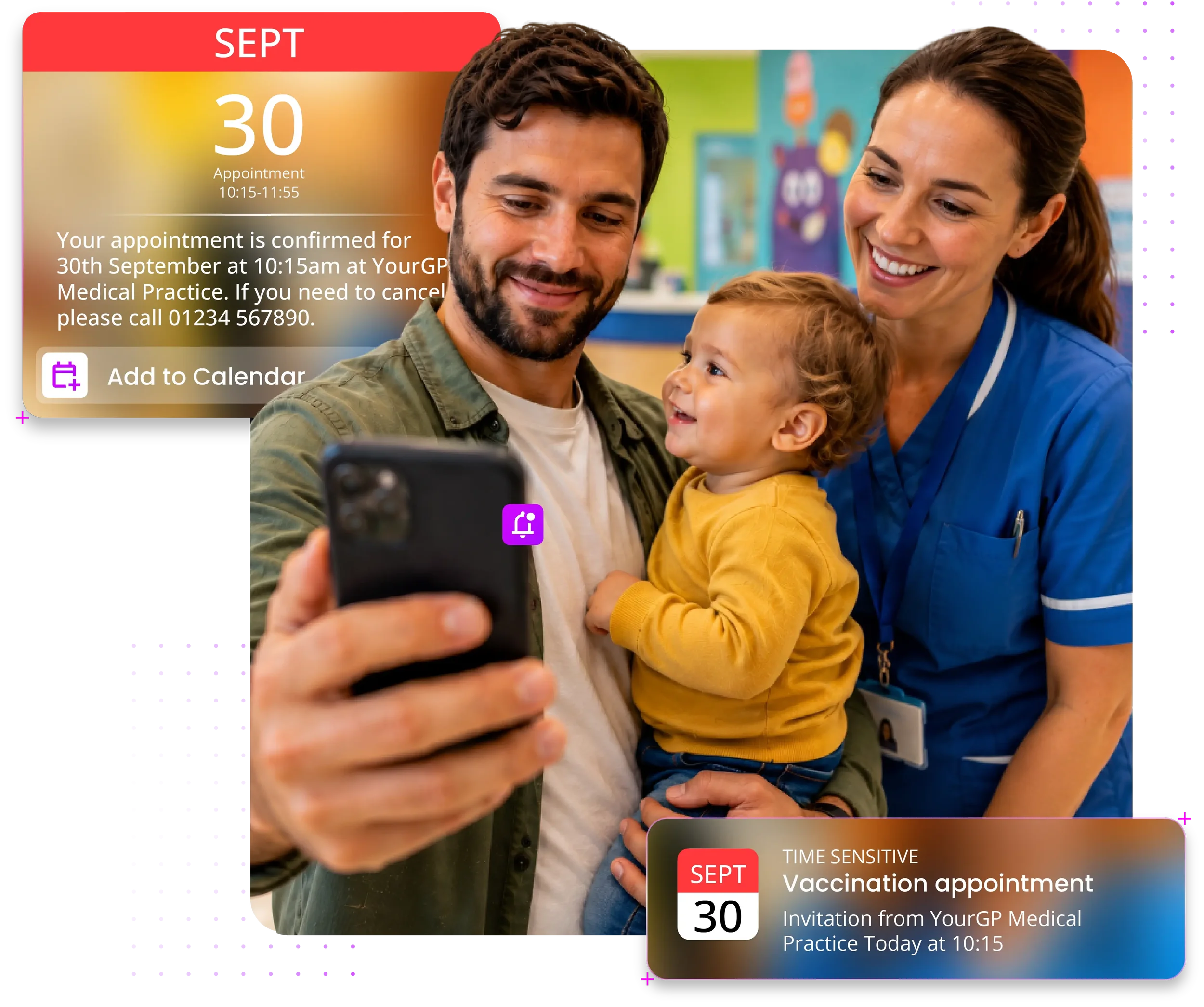
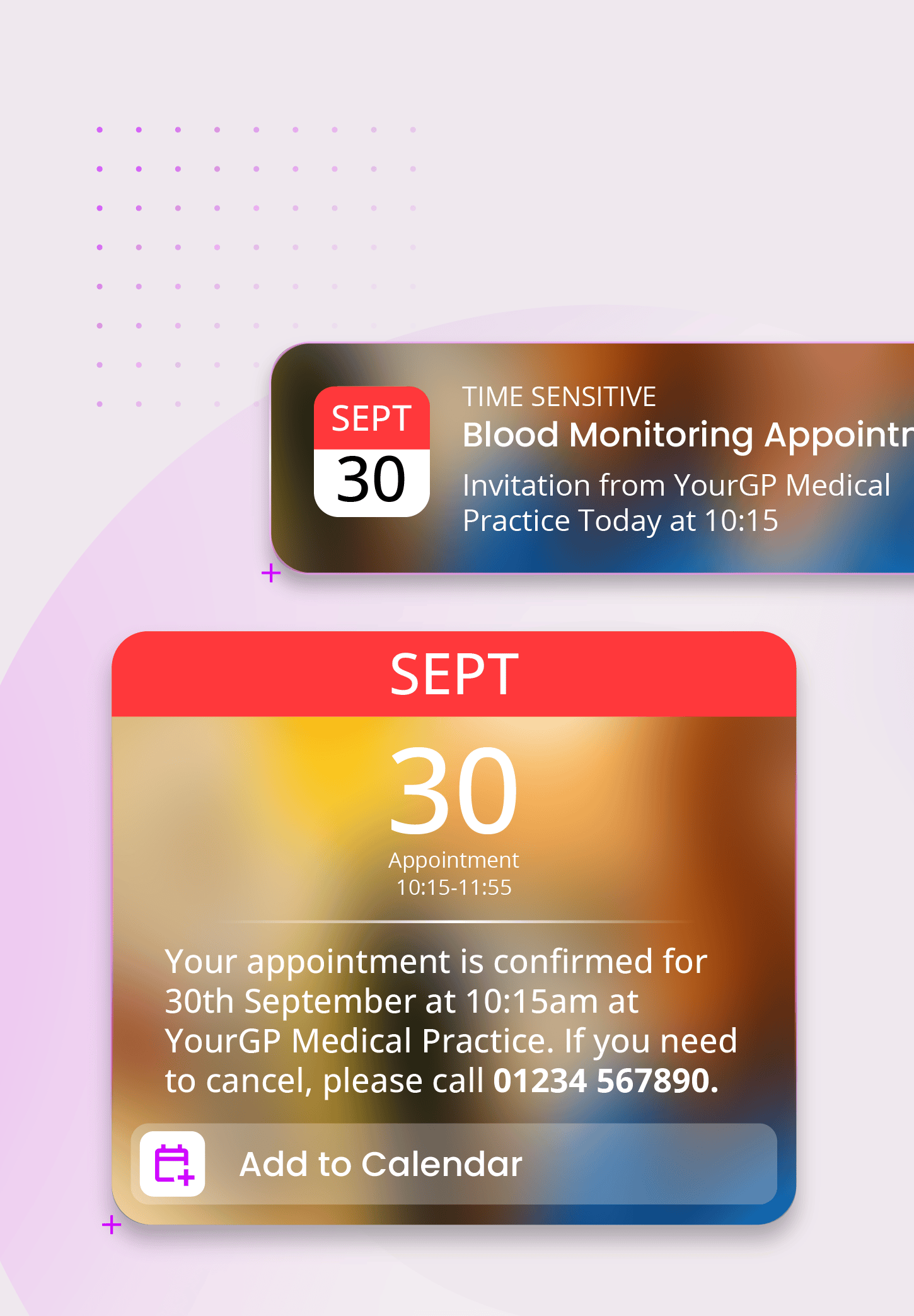
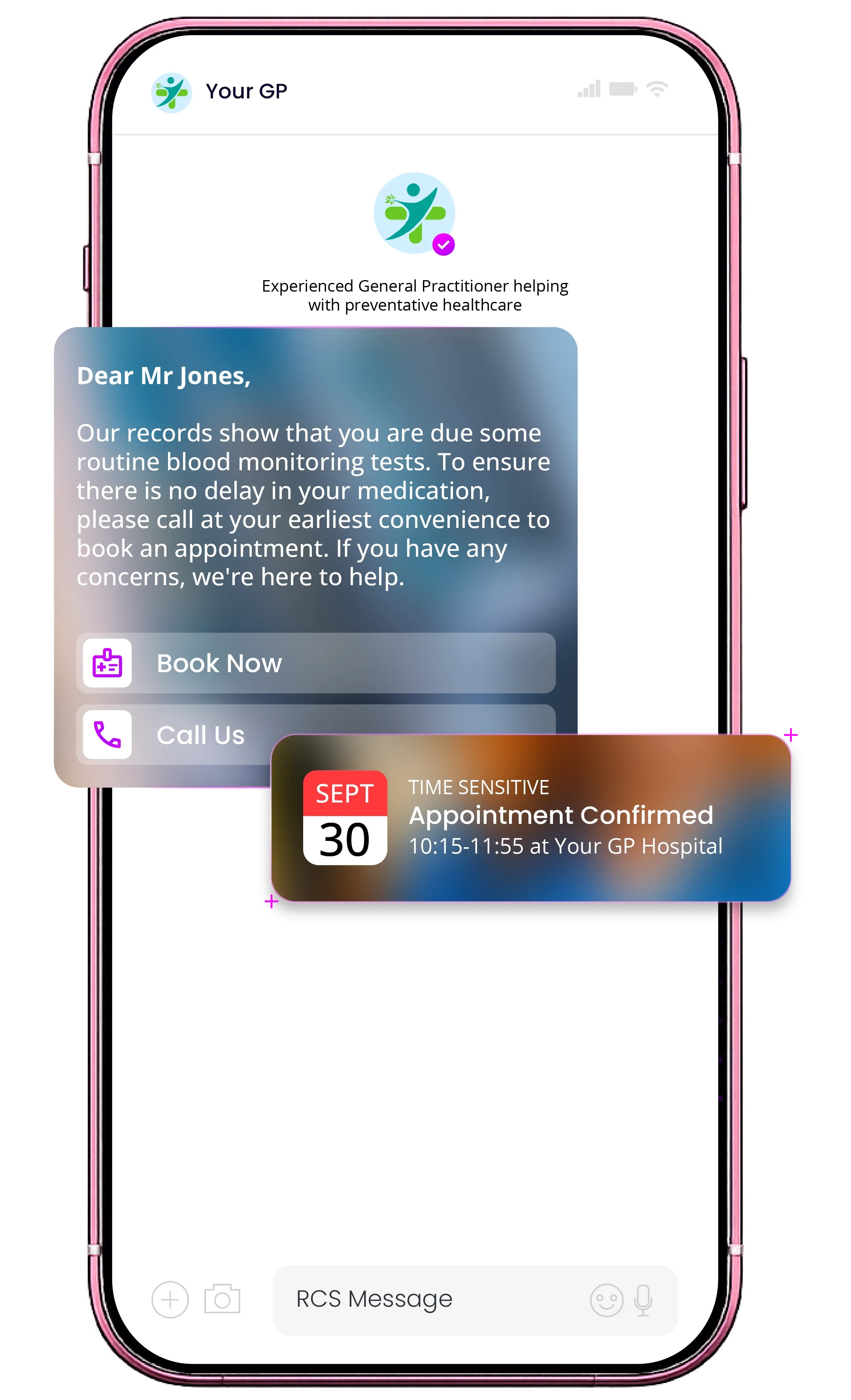
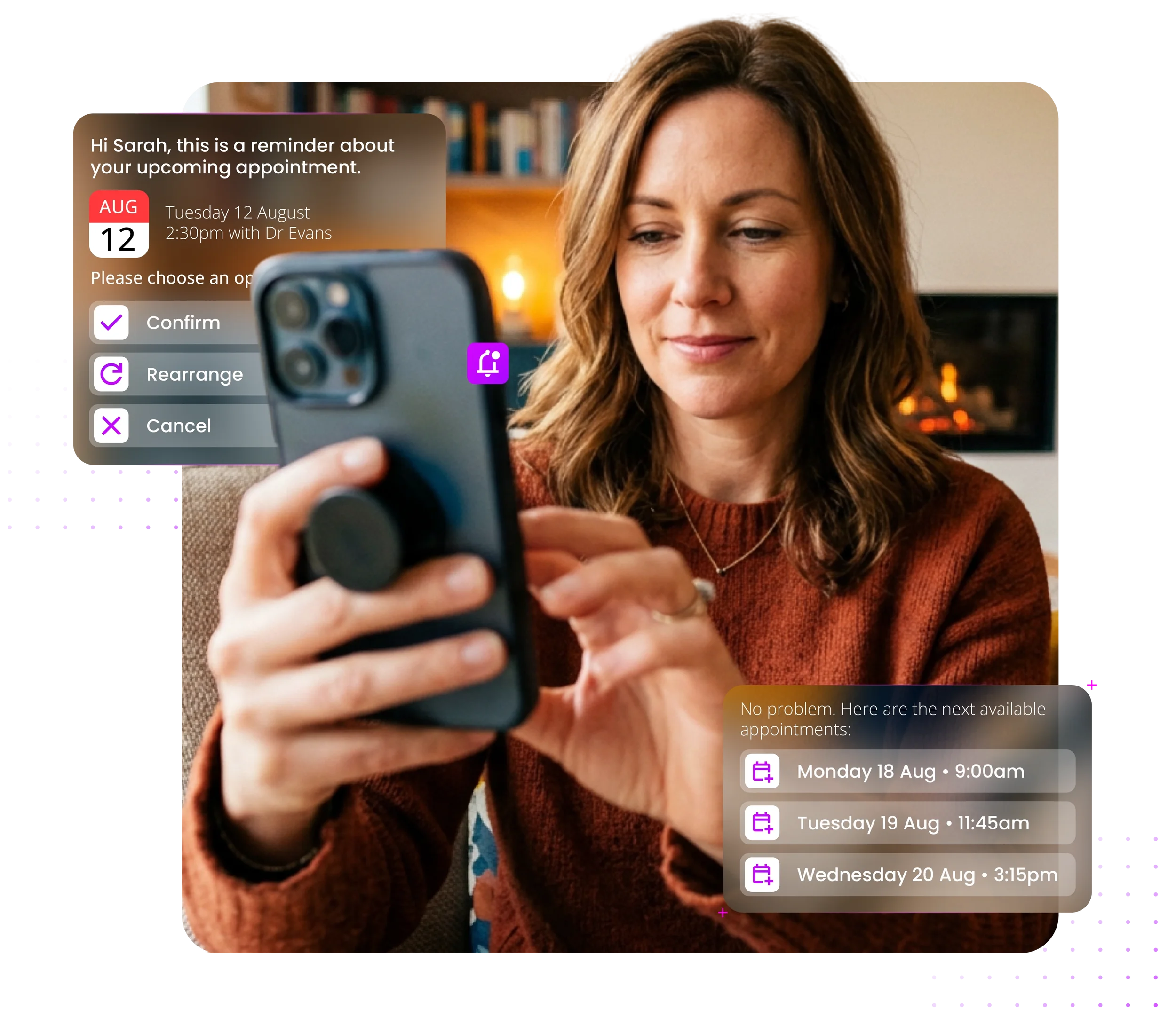
Send branded reminders with a tap-to-add calendar invite and confirm or cancel buttons.
A systematic review of SMS and RCS phone reminders found they cut non-attendance by around a third, while easing phone traffic and giving patients a message they recognise as genuine. -
![]()
Clinical and admin alerts
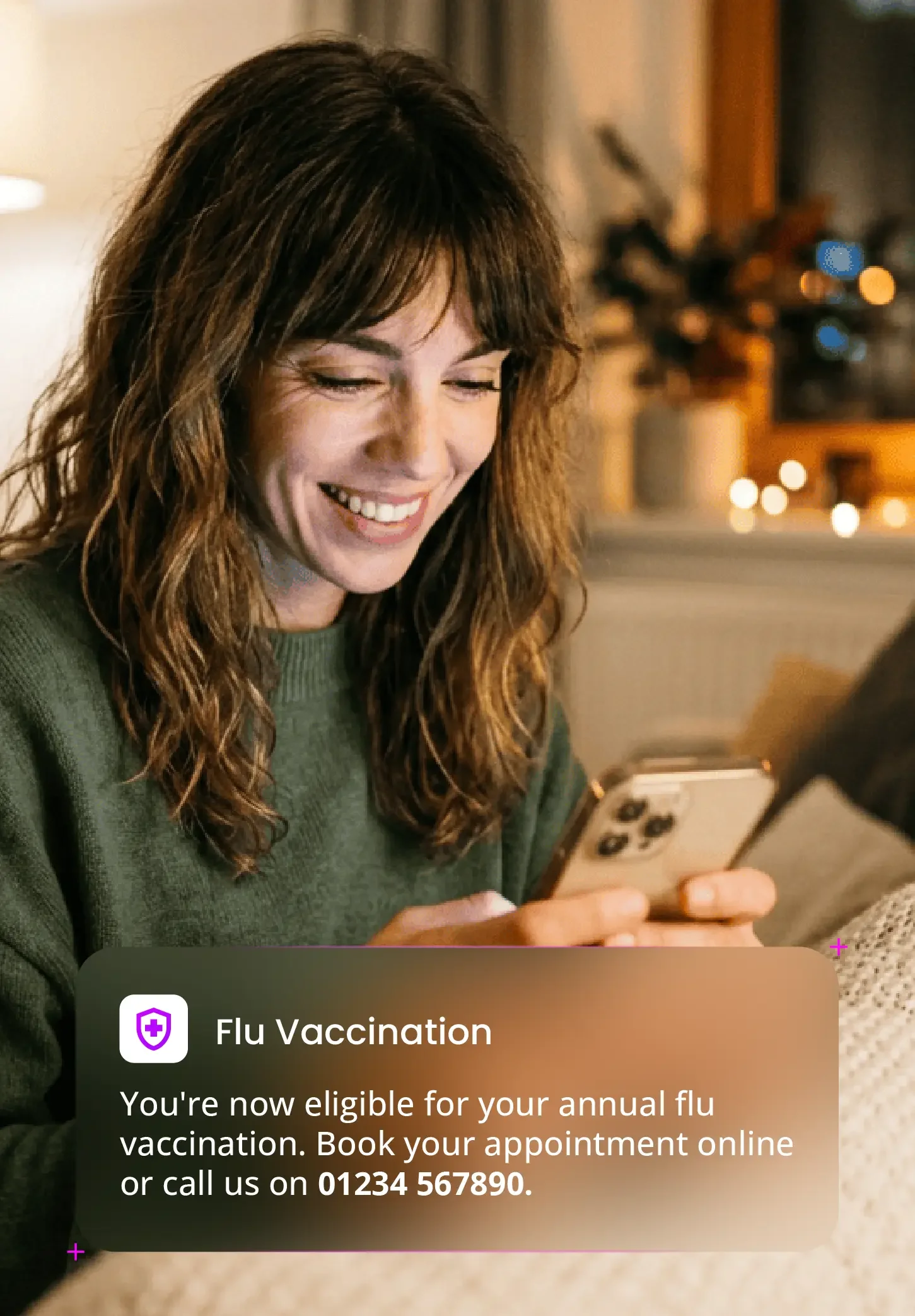
Deliver test results, prescription updates, screening reminders and vaccination invites via direct routes with full traceability.
-
![]()
Two-way patient messaging
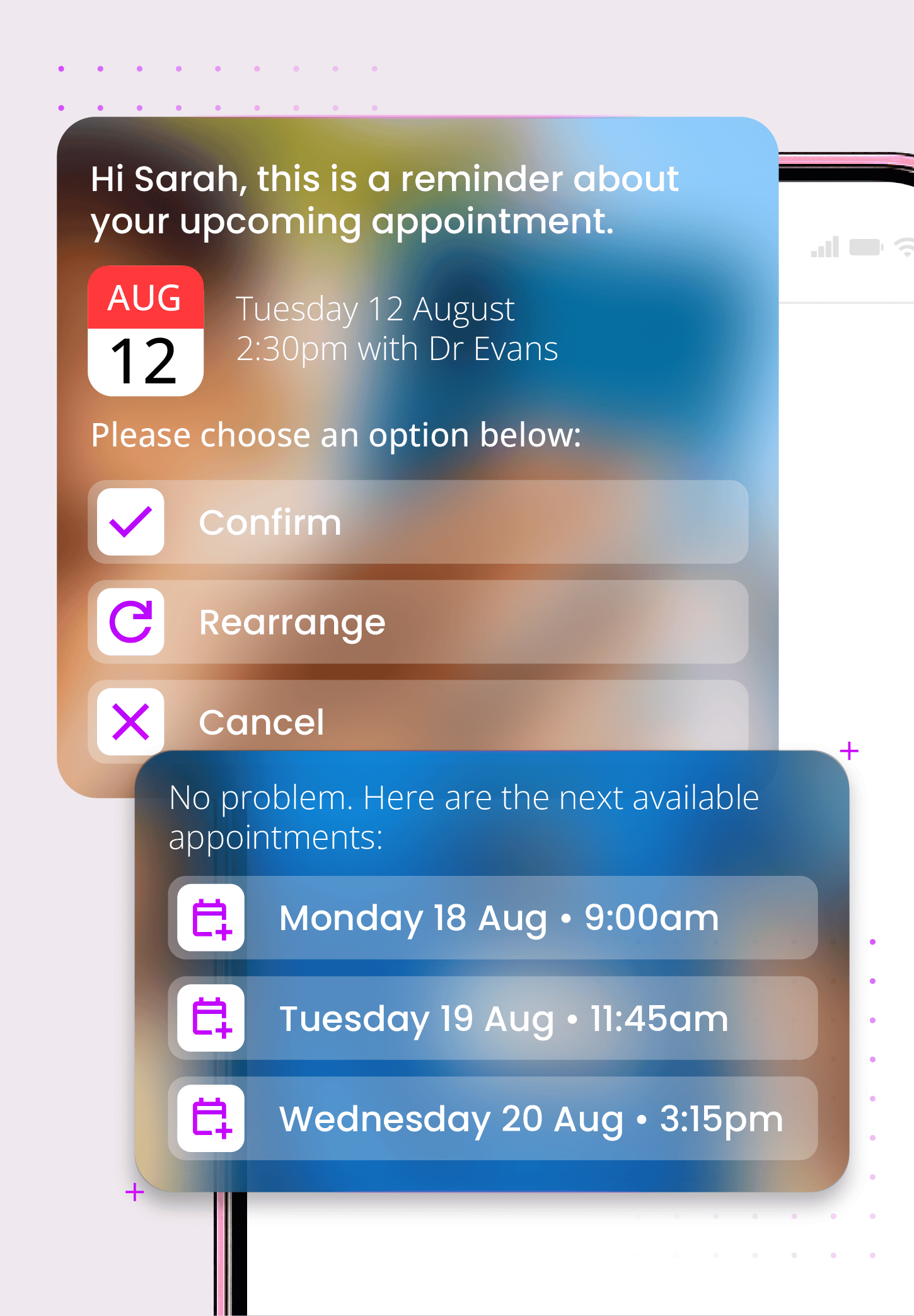
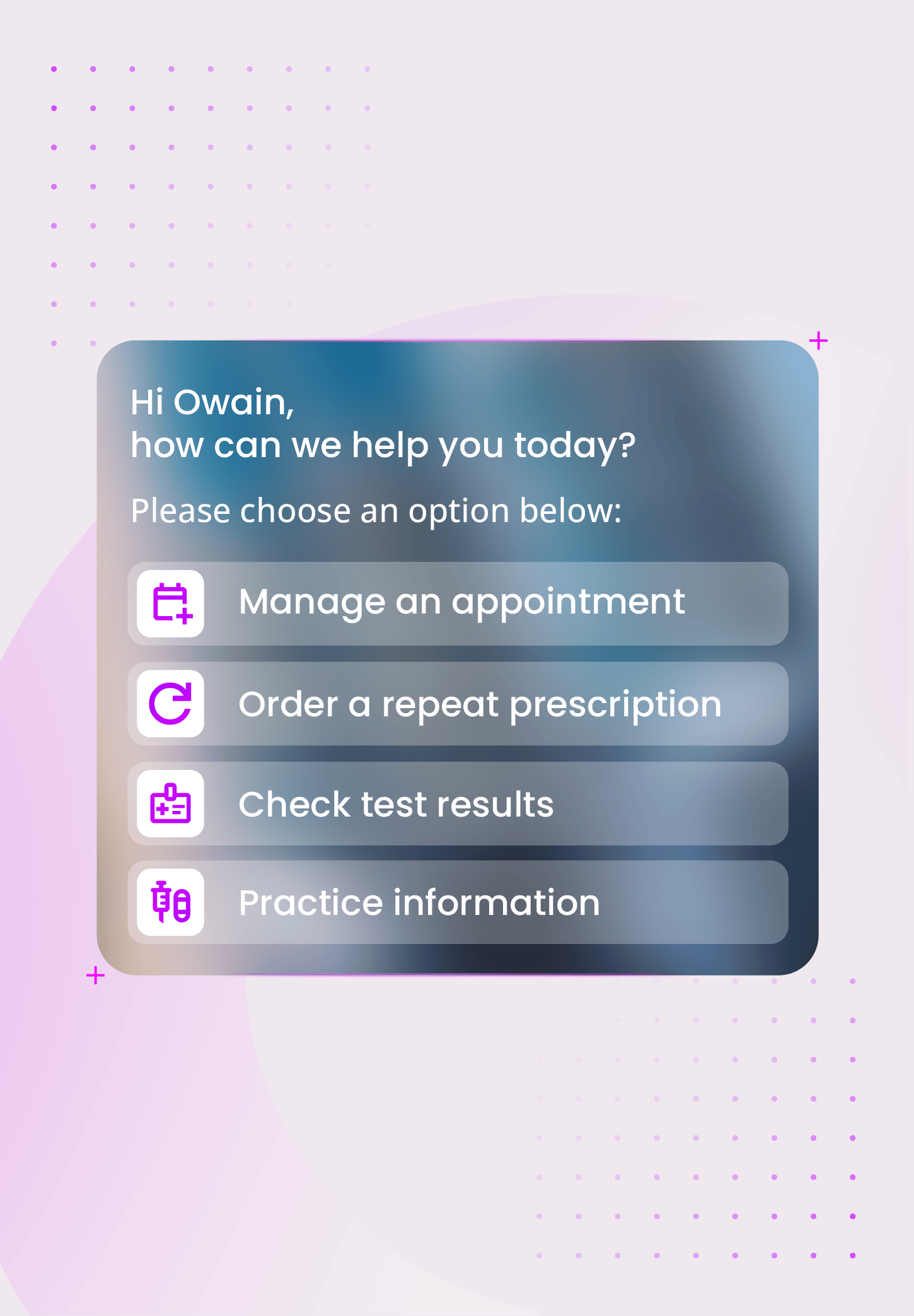
Let patients confirm, cancel, or rebook by replying in the thread, with no login and no app download. Freed-up slots can be offered to the next patient on the list.
-
![]()
Mental health, community, and child health services
Reach patients across mental health, community, and child health teams with branded, gentle reminders and service updates. Verified sender branding matters most where the message is most sensitive.
-
![]()
Recall and vaccination campaigns
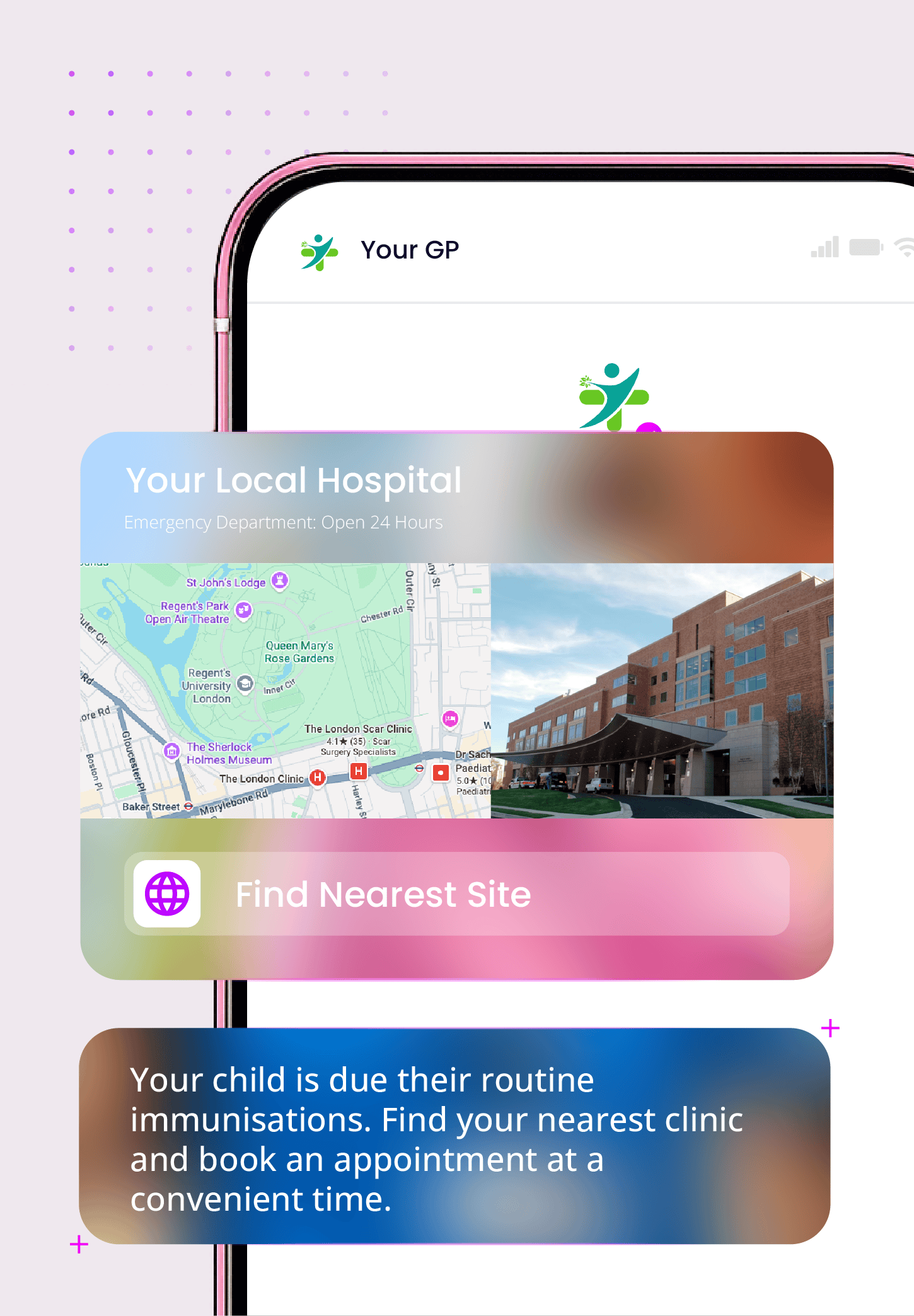
Run high-volume recall and vaccination campaigns on carrier-grade infrastructure, with RCS carousels that let patients book or find their nearest site in a tap.
-
![]()
Contact centre and practice deflection
Two-way RCS conversations help patients rebook, check an appointment, or find information without ringing in, so your team can focus on the calls that need a person.

Where NHS patient messaging is falling short

16
million
missed GP appointments a year
In 2025, patients in England missed 16 million GP appointments, and this issue affects more than just primary care. Mental health, community, and child health teams also lose appointments to DNAs. While plain SMS reminders help, too many messages are still missed or ignored without calendar invites, confirmation buttons, or verified branding.

£1.2
billion
lost by missed healthcare appointments

Missed healthcare appointments cost the NHS approximately £1.2 billion each year, driven by around 8 million outpatient appointments annually. Providing patients with a richer digital experience, RCS messages provide assurance that messages from their healthcare provider are genuine, helping to ensure recipients don’t discard or ignore official communications.
Security and information governance your organisation can sign off

QuickSMS meets the security and information governance standards required by NHS organisations. All patient communications, from appointment reminders to clinical alerts, use infrastructure built for sensitive and regulated healthcare data.
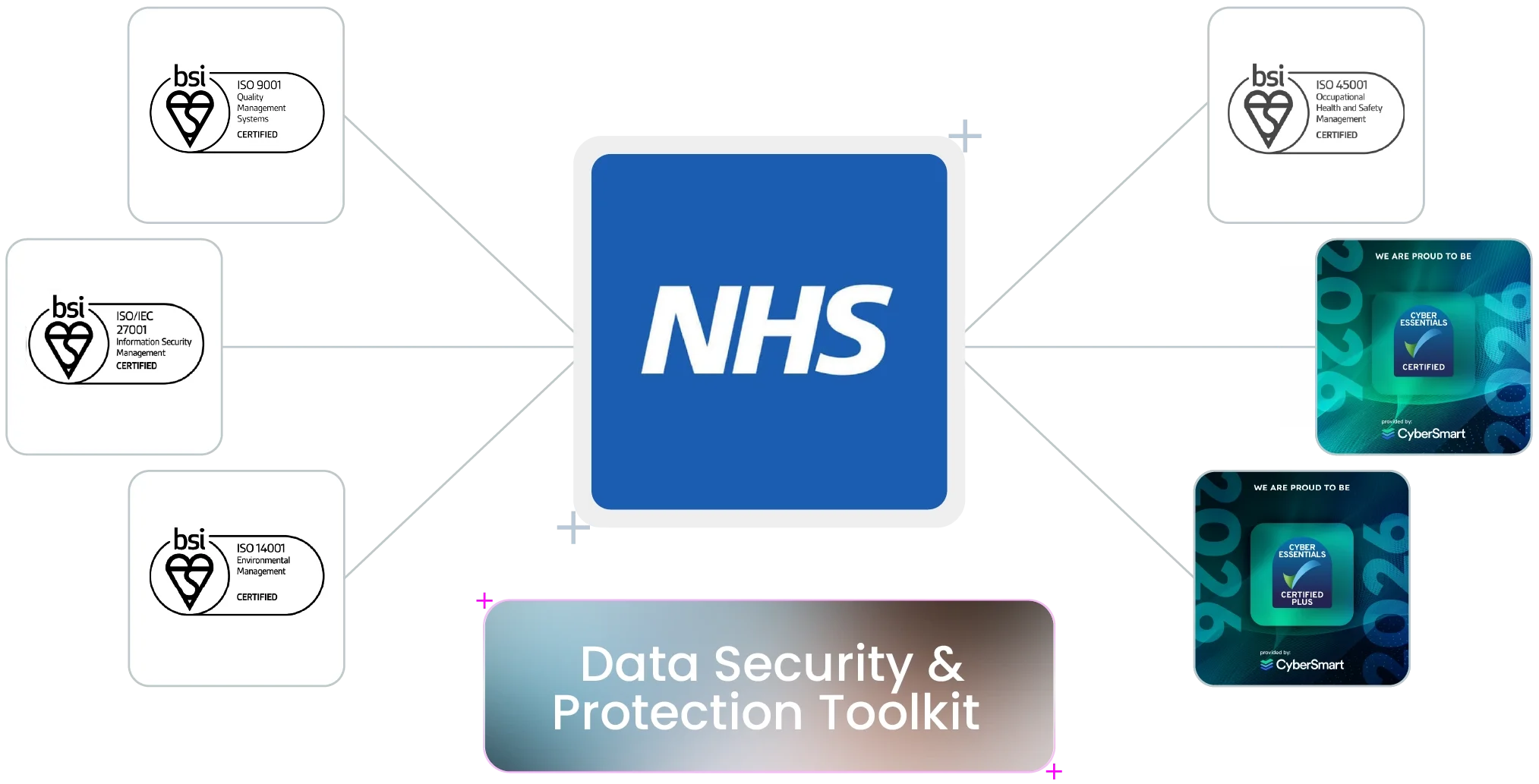
Our ISO 27001 certification, Cyber Essentials Plus accreditation, and full GDPR compliance support your organisation. We met all mandatory requirements in the 2026 NHS Data Security and Protection Toolkit (DSPT). By default, all data is hosted in the UK, with no overseas processing at any point.
-
Our ISO/IEC 27001 certification and Cyber Essentials Plus accreditation back every message you send. Both are independently audited, and Cyber Essentials Plus is UK government-backed.
-
We also hold three more ISO standards: ISO 9001 for Quality Management, ISO 14001 for Environmental Management, and ISO 45001 for Occupational Health and Safety. These certifications show our commitment to running the business responsibly.
-
We exceeded all mandatory requirements in the 2025 NHS Data Security and Protection Toolkit. All your data is hosted in the UK, with no overseas processing, full audit trails, and data processing agreements ready for your information governance team.
-
Our operations are mapped to the UK NCSC’s 14 Cloud Security Principles, aligned directly to our ISO and Cyber Essentials Plus credentials, for secure cloud-based messaging in a regulated sector.
-
Appointment reminders, test result notifications, and mental health service messages are among the most sensitive communications patients receive. Verified sender branding helps patients identify real NHS messages and trust the links they contain.
-
When your information governance and procurement teams review our documents, they will find all the accreditations needed for approval. That is the purpose of our certification stack.
Trusted Healthcare Technology Partners
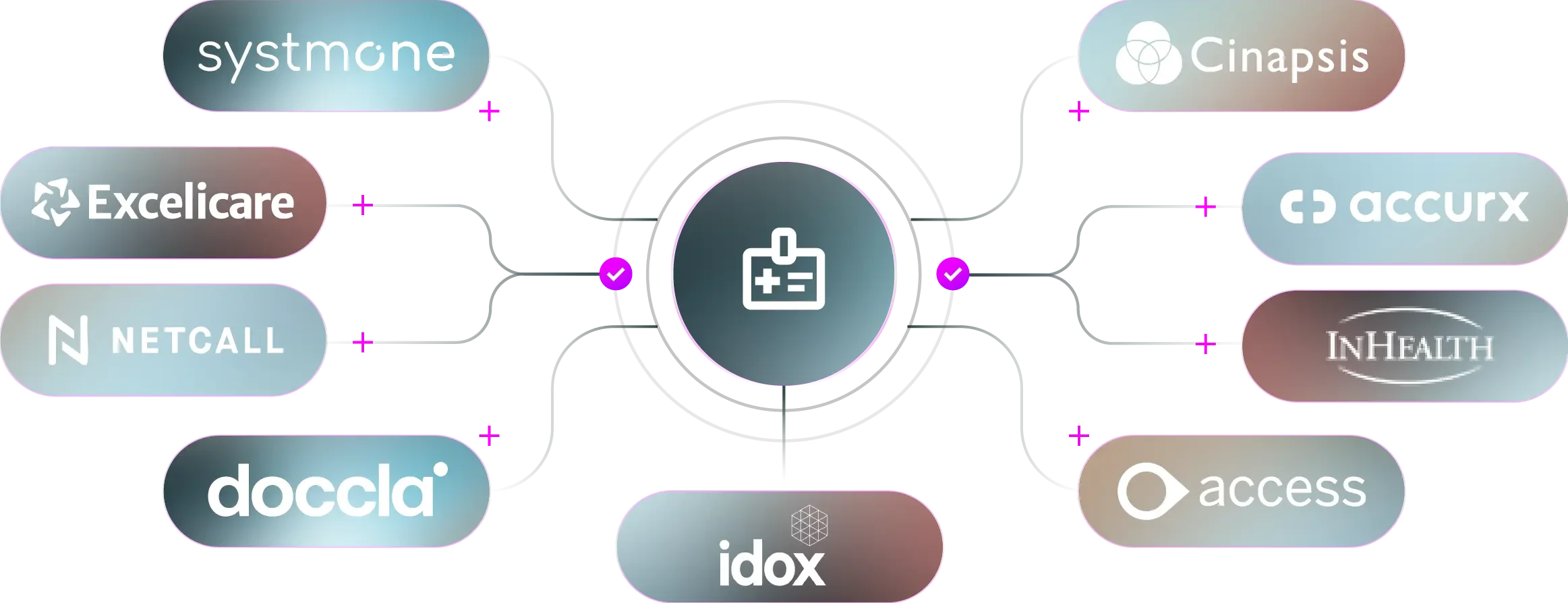
QuickSMS works with some of the UK's leading healthcare technology providers, delivering secure messaging integrations that help healthcare organisations communicate more effectively with patients.
Exclusive RCS Business
Messaging Provider
Accurx
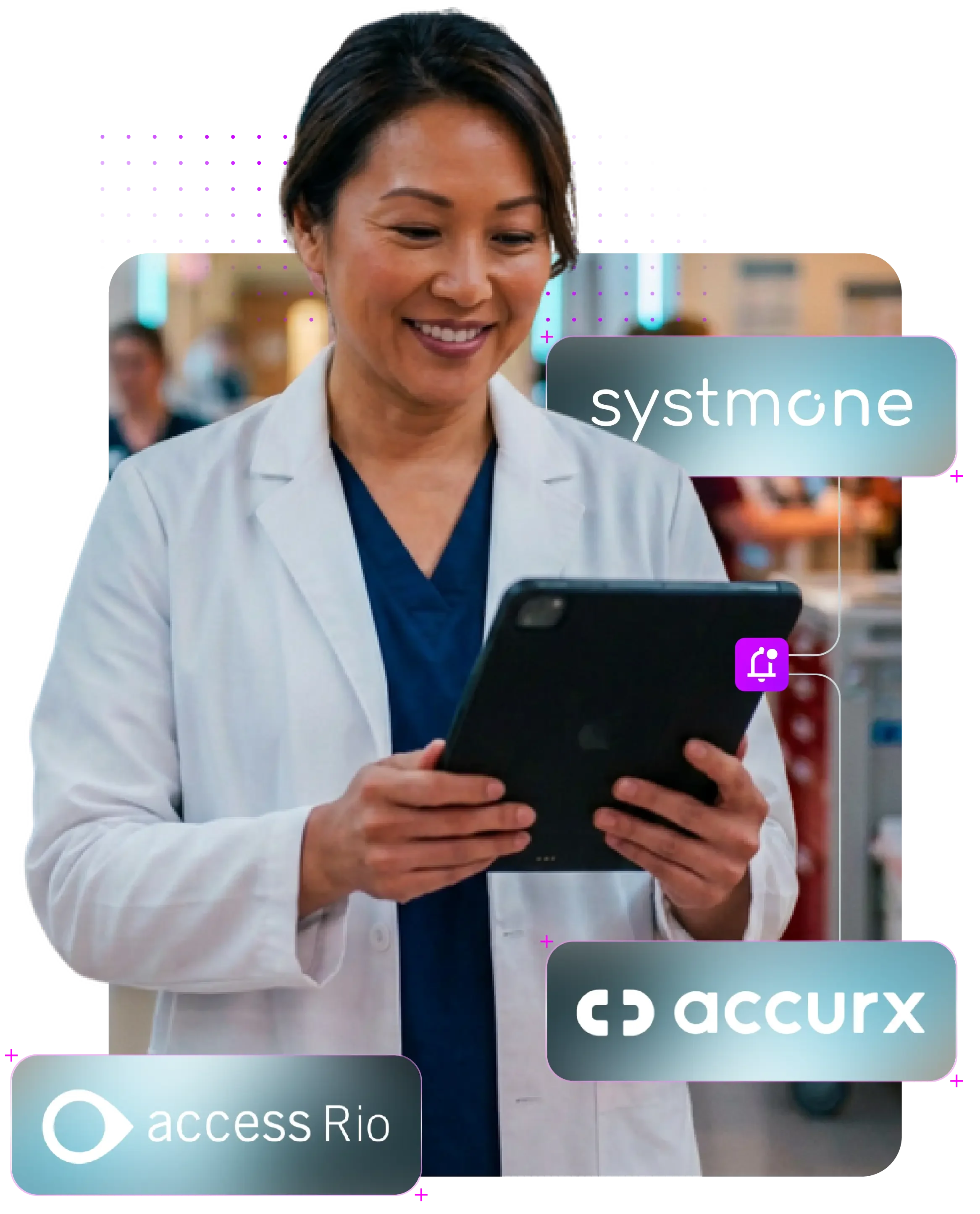
QuickSMS is the exclusive RCS Business Messaging provider for Accurx, one of the UK's leading healthcare communications platforms used by GP practices, Primary Care Networks, NHS Trusts and other healthcare organisations. We provide the infrastructure that lets Accurx deliver verified, branded RCS messaging alongside enterprise SMS and API integrations.
For healthcare organisations, this means enterprise-grade RCS built for reliability, security and scale, helping improve patient engagement, appointment attendance and digital communications.
Exclusive SMS and RCS Messaging Partner within the Access Rio Partner Programme

Access Rio
QuickSMS is the exclusive SMS and RCS messaging partner within the Access Rio Partner Programme, providing enterprise messaging for one of the UK's leading Electronic Patient Record (EPR) systems, used across mental health, community health, child health and specialist NHS services.
The integration lets organisations send appointment reminders, clinical notifications and one-time passwords directly from the Rio platform, combining enterprise-grade messaging with the security and compliance NHS organisations need, while reducing missed appointments and admin workload.
Cut messaging spend, not patient contact
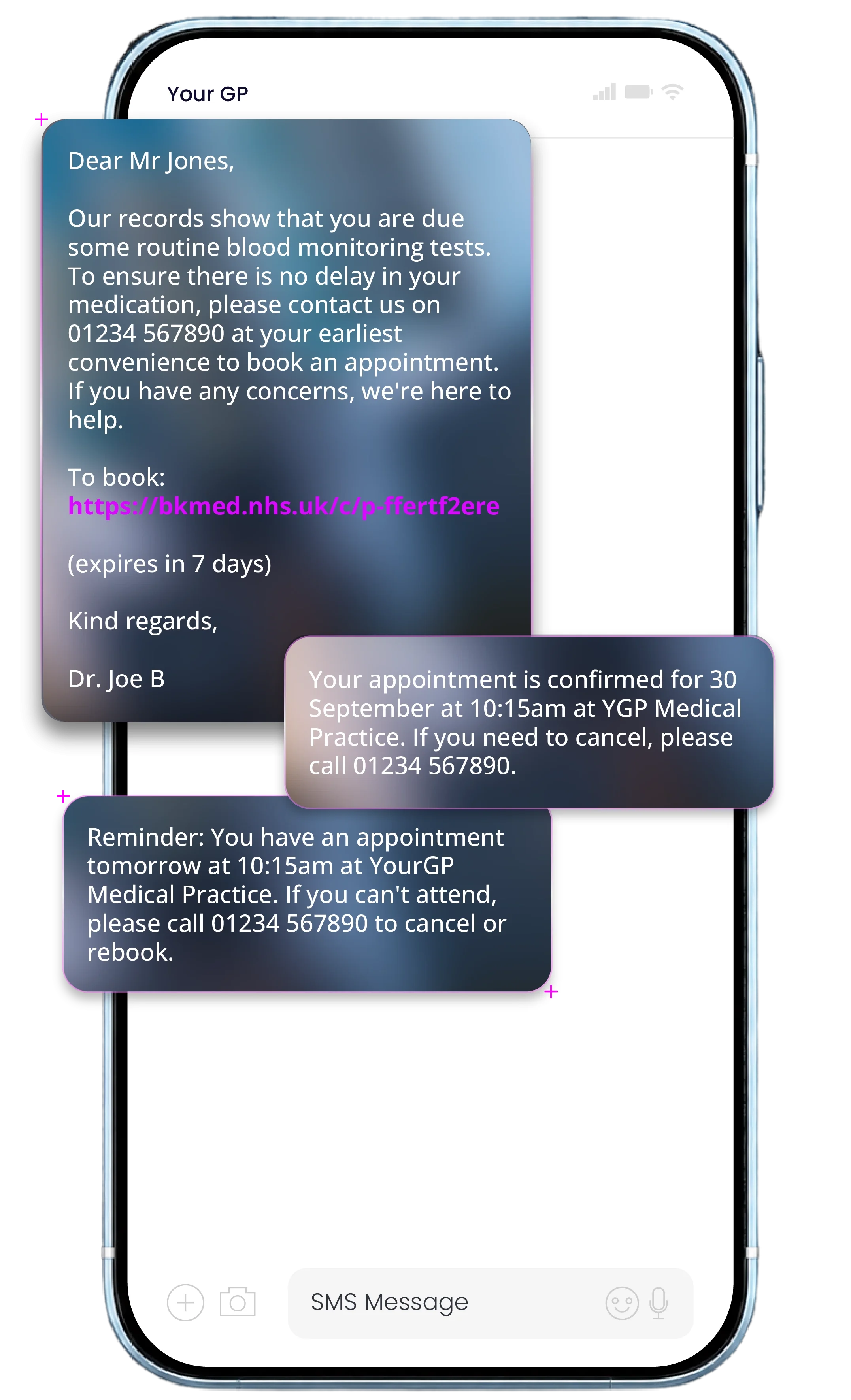
Four SMS credits to deliver a single message
A single appointment message sent by SMS is split across 3.5 parts on average, so you pay for the equivalent of 4 SMS just to deliver one message. Add a separate confirmation and one or two reminders, and the credits climb fast across a full appointment cohort.

SMS: 4 credits, one job done
Most appointment messages run past 160 characters once you add the clinic name, date, time, and cancellation details. Multiplied across every reminder, confirmation, and recall your ICB or Trust sends and the credit bill each month climbs faster than engagement does.
RCS: 1 rich message, lower cost
With RCS Single Message, the appointment details, a calendar invite, and confirm or cancel buttons all sit inside one branded message, for less than the cost of 2 SMS. The calendar invite carries its own push reminders, so a single RCS message replaces the confirmation and the follow-up texts that used to trail behind it.
Live in weeks,
not months
With larger messaging providers, procurement, security checks, and integration can run for months. By the time you go live, the recall campaign or the winter you were preparing for has already arrived.
You can get started faster, without compromising security or governance. We're already integrated with clinical systems such as SystmOne and Access Rio, with setup under five minutes for most ICBs. We will also work to integrate with any third-party clinical platform your Trust or ICB runs, so your messaging fits the workflow you already have."
Why Clients and Partners choose QuickSMS
Authentication and OTP
Clinical notifications
Two-way messaging
High delivery performance
APIs and pre-built integrations
Appointment reminders
Patient engagement
Enterprise-grade messaging platform
SMS, RCS and WhatsApp Business
NHS-ready security
UK-based support
The team behind your patient messaging
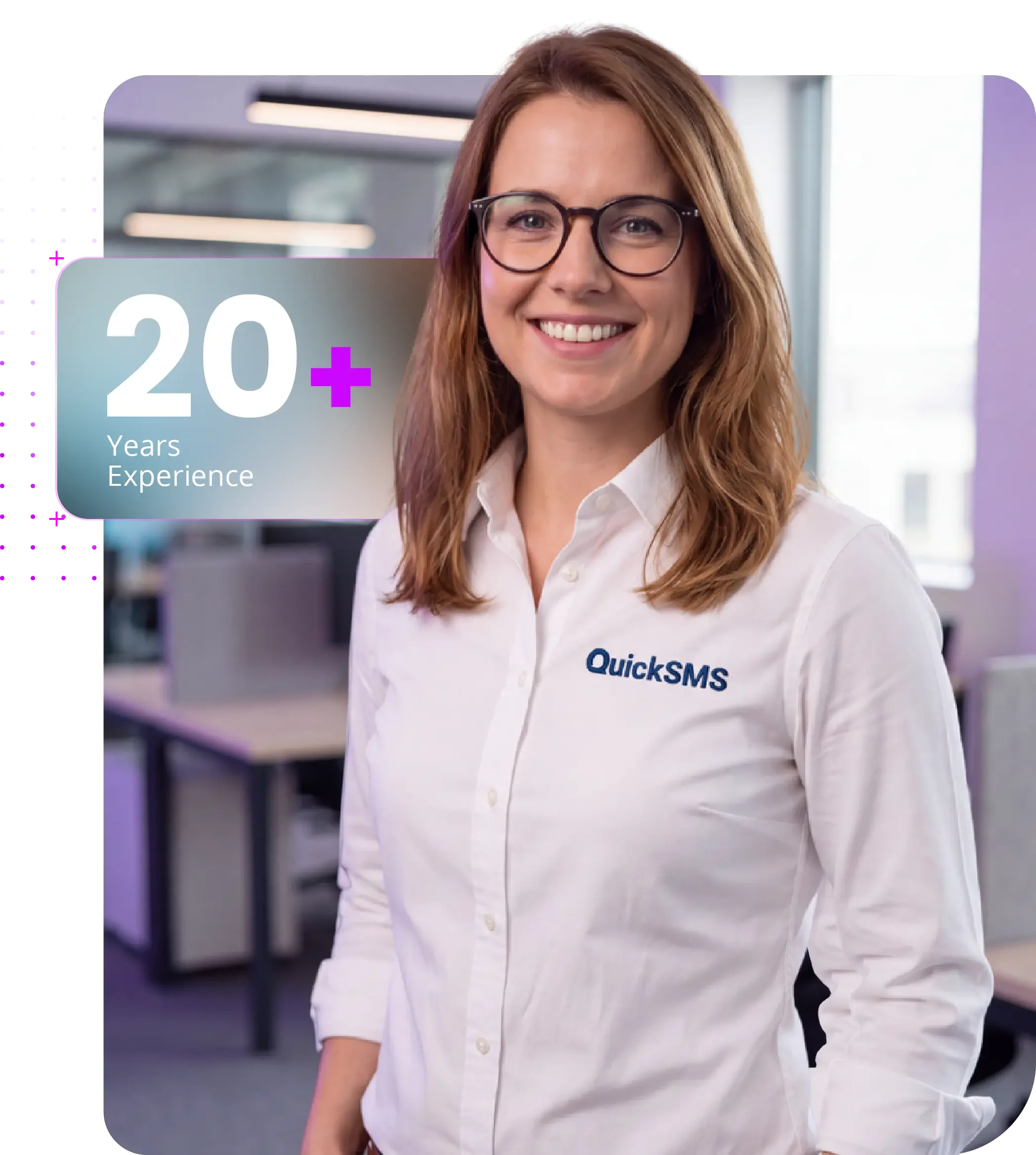
Your account is supported by people who have two decades experience of high-volume, regulated messaging. Several of our senior specialists came up through BT before joining QuickSMS, and have since helped NHS Trusts and ICBs roll out RCS, meet information governance requirements, and keep patient communications running through their busiest periods.
You get a team that understands NHS procurement and the realities of a clinical week, not just a platform login.
Carrier-grade delivery when every patient must be reached
Reliable messaging is essential in healthcare. Appointment reminders, test results, recall invitations, and clinical alerts all need to arrive on time, often during busy periods when hundreds of thousands of patients are being contacted.
QuickSMS is built to handle your highest-volume messaging needs. Direct operator connections, audited routes, and strong infrastructure keep your messages moving, even during peak times. You get carrier-grade SMS and RCS that work reliably during flu or vaccination campaigns and on regular days.

Built for
healthcare-grade
traffic
We handle high-volume, time-critical traffic: appointment reminders, test results, recall campaigns, and clinical alerts, with the security credentials to match.

Carrier-grade routing
you can rely on
Direct operator connections and audited routes keep your messages moving, even when a seasonal campaign or recall drives volume through the roof.

Flexible to
fit your setup
You can use QuickSMS as your main provider or run it alongside another supplier if that works better for your needs. There are no minimum volume requirements, and you control how your traffic is distributed.
The reassurance of direct routes
Not all SMS traffic is the same.
Direct routes use official operator agreements, giving you predictable delivery, full traceability, and regulatory compliance.
Grey routes use carrier loopholes. They might seem cheaper, but they are unreliable, unregulated, and often used by fraudsters to spoof sender IDs and intercept patient messages.
We route your appointment reminders, test result notifications, and patient verification messages through direct, audited routes only. No shortcuts, and no exposure to spoofing that could put patient trust at risk.
What is RCS messaging?
RCS (Rich Communication Services) is what SMS becomes once you give it a brand, a logo, and a verified sender badge. For NHS Trusts, ICBs, and GP practices, appointment reminders, test results, and recall invitations land in the same native inbox as a plain SMS, but with your verified NHS brand at the top and an action button at the bottom. Patients can add an appointment to their calendar, confirm or cancel, or open a secure link, all inside the message. This is what RCS business messaging looks like in a clinical setting.
If a patient’s handset or carrier can’t receive RCS, we deliver the same content as standard SMS, with no extra workflow on your side.
UK RCS coverage now sits at around 70% of mobile users, driven by Android ubiquity and growing iOS operator support. QuickSMS sends every message RCS-first with automatic SMS fallback, so every patient on your list is reached.
FAQs
-
SMS sends plain text messages up to 160 characters. RCS sends richer messages with images, appointment details, interactive buttons, and verified sender branding, all within the patient's native messaging app.
For NHS Trusts and GP practices, that means appointment reminders can carry tap-to-add calendar invites, confirm or cancel buttons to reduce DNAs, and your verified name and logo so patients can tell a genuine message from a scam.
RCS requires no app download. Messages arrive in the same inbox patients already use for SMS.
-
Yes. QuickSMS is fully GDPR compliant and meets NHS data security requirements. We exceeded all mandatory requirements in the 2025 NHS Data Security and Protection Toolkit assessment.
Our platform is ISO 27001 certified, Cyber Essentials Plus accredited, and all data is hosted in the UK. We are an independent, UK-based provider with no overseas data processing, and data processing agreements are available for your information governance team.
-
QuickSMS integrates with SystmOne, EMIS, Accurx, and other clinical systems used across NHS Trusts, ICBs, and GP practices. Integration is straightforward, typically around five minutes to configure, and lets appointment reminders, test result notifications, and recall campaigns trigger directly from your existing clinical workflow.
Our API documentation is available to everyone, and our UK-based team can help with setup and testing.
-
Yes. QuickSMS supports messaging for mental health, community, and child health services, not just GP practices. Verified sender branding, calendar invites, and two-way messaging help these teams reduce missed appointments and reach patients with messages they trust, all on the same secure, UK-hosted infrastructure as your other patient communications.
-
If a patient’s handset or carrier can’t receive RCS, the same message is automatically delivered as standard SMS. The patient still gets the communication, in plain text rather than rich media.
There is no separate workflow and no second send. You send one message, and each patient receives it in the richest format their device supports.
-
Larger providers can take longer to onboard, especially for organisations that need to be live ahead of a winter or recall campaign.
You get full accreditation for regulated healthcare: ISO 27001, Cyber Essentials Plus, GDPR compliant, NHS DSPT met in full, with all data hosted in the UK. Our UK-based team specialises in getting NHS organisations live faster, with the audit trails and data processing agreements your information governance team needs.
For Trusts and ICBs using a dual-supplier strategy, that combination of speed, accreditation, and NHS experience is hard to match.